Mix Engine · by BeatNex · Free beta
Plan it. Hear it. Play it.
Mix Engine turns your own library into a set that flows. Hear every transition before the gig, then write a USB stick your CDJ reads, no rekordbox needed. Tested on the CDJ-3000.
The idea
Your crate already holds the set. Mix Engine finds it: it orders your tracks by key, tempo and energy, lets you hear every blend before the gig, and writes the stick your CDJ plays.
01 — Plan
Your whole library.
One calm place.
Every file once, with its real cover. Search, filter by BPM, key and energy, and save smart crates that keep themselves up to date.
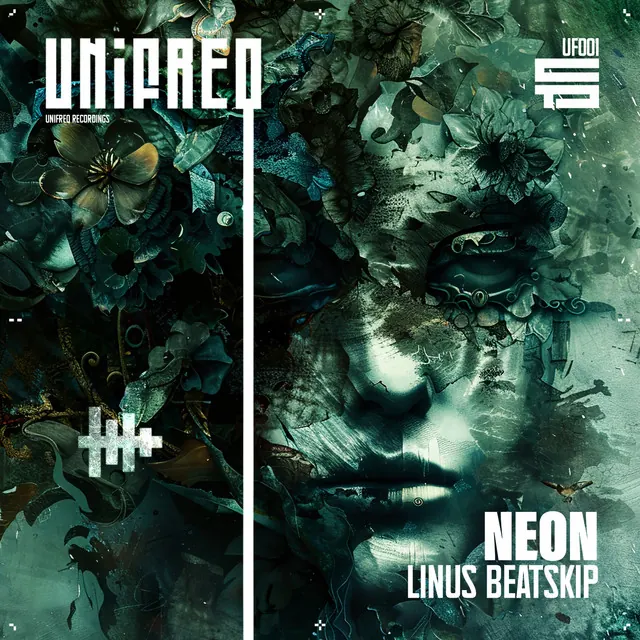
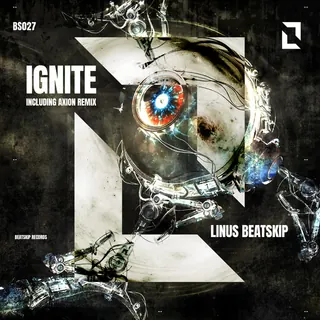 Neon → Ignite
Smooth · +0.1 BPM · 4A → 5A
03 — Mix in key
Know what
mixes next.
Pick a track and Mix Engine suggests what follows: safe picks that stay in key and tempo, adventurous ones when the room wants a lift. Every suggestion says why.
Safe: · Lift:
04 — Build
A journey,
not a playlist.
Choose a length and an energy arc. Mix Engine orders your crate into a set that warms up, peaks and lands, and builds each leg from the genres you actually have.
05 — Play
Straight to
the stick.
Prepare your library on your Mac once, then write a USB stick your CDJ reads, no rekordbox needed: tracks, waveforms, beat grids, memory cues, and every set as a playlist. Tested on the CDJ-3000.
Made for the booth
Small things,
done right.

Your next set
starts here.
Mix Engine is free while it's in beta. Build sets in your browser with your BeatNex account; previews and USB export run in the studio on your Mac.
Previews and USB export need the Mix Engine studio on macOS. The studio is invite-only for now.